Running Analytics Explained: Which Metrics Actually Matter (and Which You Can Ignore)
Pace, heart rate, cadence, training load - your running watch collects mountains of data. Here's what actually matters and what you can safely ignore.
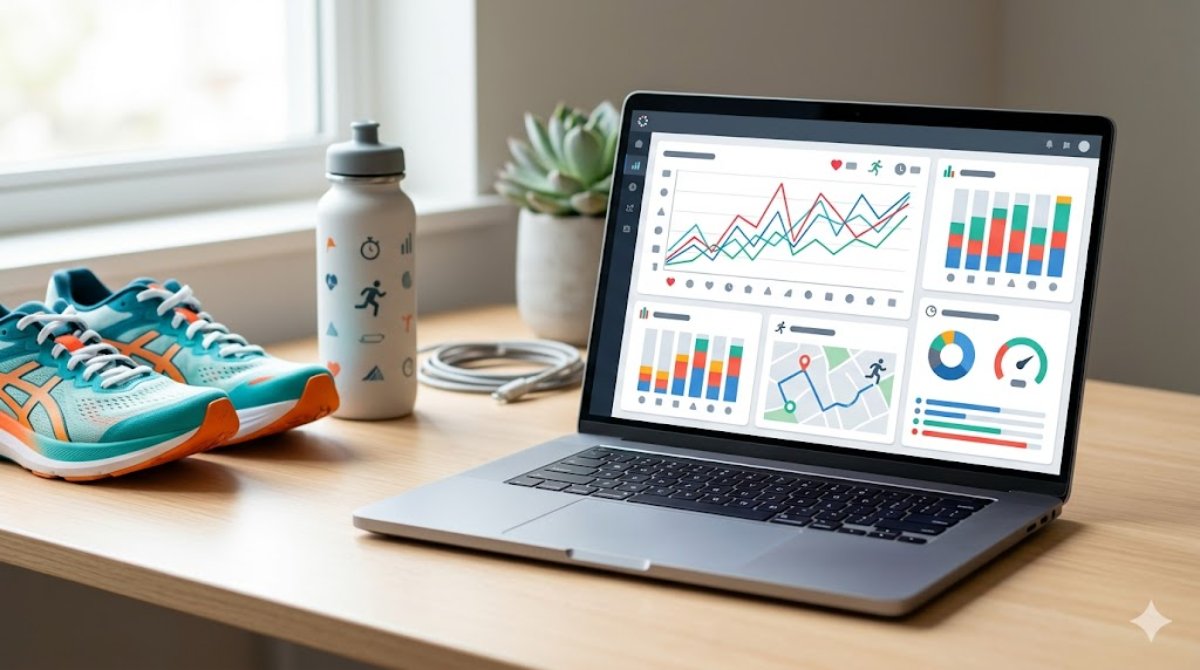
Modern running watches and apps collect an absurd amount of data. Pace, cadence, heart rate, stride length, ground contact time, vertical oscillation, training load, VO2 max estimates - the list keeps growing. Most runners either ignore it all or drown in it.
As someone who built an analytics platform for runners, I spend a lot of time thinking about which metrics actually matter and which ones are noise. Here's what your running data is really telling you.
1. Pace vs effort: the metric that misleads everyone
Pace (minutes per kilometre) is the first thing every runner checks after a workout. It's also one of the most misleading metrics if used in isolation.
Your pace on any given day is affected by temperature, humidity, wind, elevation, sleep quality, hydration, stress, and where you are in your training cycle. Running 5:30/km on a flat road in cool weather is very different from running 5:30/km on a hilly trail in 35°C heat.
Effort is what actually matters. Two runs at the same pace can represent completely different physiological demands. This is why heart rate or perceived effort should be your primary training guide, not pace.
If you only track one thing, track how hard a run felt relative to your pace. When the same pace starts feeling easier, that's fitness improving - regardless of what the numbers say.
2. Heart rate zones: your internal speedometer
Heart rate zones give you an objective measure of effort. Most training systems use five zones:
Zone 1 (50-60% max HR): Recovery. Walking or very light jogging.
Zone 2 (60-70% max HR): Easy aerobic. Where most of your training should happen. You can hold a full conversation.
Zone 3 (70-80% max HR): Moderate. Tempo and marathon pace. You can speak in short sentences.
Zone 4 (80-90% max HR): Hard. Interval and threshold work. Only a few words at a time.
Zone 5 (90-100% max HR): Maximum effort. Sprinting. Can't talk at all.
The crucial insight: about 80% of your training should be in Zones 1-2. This is the "80/20 rule" of endurance training, backed by decades of research. Most recreational runners spend too much time in Zone 3 - too hard to build aerobic base efficiently, too easy to build speed. It's the "no-man's land" of training.
Getting a chest strap heart rate monitor (more accurate than wrist-based) and training by zones can be transformative for runners who've been stuck at the same fitness level.
3. Cadence: steps per minute
Cadence measures how many steps you take per minute. You've probably heard the "180 steps per minute" target. Let me save you some anxiety: that number is widely misunderstood.
The 180 spm figure came from Jack Daniels observing elite runners during the 1984 Olympics. It's not a universal target - it's an observation of elites racing at high speeds. Your optimal cadence depends on your height, leg length, pace, and running economy.
What cadence does tell you: very low cadence (under 160 spm at easy pace) often correlates with overstriding - landing your foot too far in front of your centre of gravity. Overstriding increases braking forces and injury risk. If your cadence is consistently below 160, a slight increase (aim for 5-10% more) can improve your form.
Don't obsess over hitting a specific number. Just track it over time and make sure it's not decreasing as your pace gets faster.
4. Elevation gain: the hidden intensity multiplier
Running uphill at a "slow" pace can demand more energy than running on flat ground at a much faster pace. Elevation gain is the metric that explains why your "easy" trail run left you more exhausted than a hard road workout.
As a rough guide, every 100 metres of elevation gain adds the equivalent of about 800 metres of flat running to your effort. So a hilly 8 km run with 200m of climbing is roughly equivalent to a flat 9.6 km run in physiological demand.
If you run trails or hilly routes, factoring elevation into your training analysis is essential. Proper running analytics tools normalise your performance data for elevation, giving you much more accurate fitness tracking.
5. Training load: the metric that prevents injuries
Training load measures the cumulative stress your body is under from your recent training. It combines volume (how much you ran) and intensity (how hard you ran) into a single number that trends over time.
The critical application: tracking acute-to-chronic training load ratio. Your "acute" load is the last week's training; your "chronic" load is the average over the last 4-6 weeks. When acute load spikes far above chronic load (ratio above 1.5), your injury risk increases significantly.
This is why "too much too soon" causes injuries. It's not the absolute volume that hurts you - it's the sudden increase relative to what your body is adapted to. A runner doing 60 km/week consistently is less injury-prone than a runner who jumps from 30 km to 50 km in a single week.
Training load ratio is the single most actionable metric for injury prevention. If you track nothing else, track this.
6. What beginners should track vs advanced runners
Beginners (first year of running): Track distance, time, and how you felt (rate each run 1-10 for effort). That's it. Everything else is noise at this stage. Build consistency before worrying about analytics.
Intermediate runners (1-3 years): Add heart rate zone tracking and weekly mileage trends. Start paying attention to easy-run pace trends over months - if the same effort produces faster paces over time, your fitness is improving.
Advanced runners (3+ years): Training load, cadence analysis, pace-to-heart-rate ratios (cardiac drift), elevation-adjusted pace, and race predictions based on recent workout data. This is where AI analytics tools like The Running Genie become genuinely valuable - they can identify patterns across hundreds of runs that you'd never spot manually.
7. How AI makes sense of your data
The future of running analytics isn't more data - it's better interpretation. A good AI running coach can look at your last 6 months of training data and tell you things like: "Your easy runs are consistently too fast on Tuesdays, probably because you're fresh from Monday's rest day" or "Your pace-to-heart-rate efficiency drops after long runs, suggesting you need an extra recovery day."
This is what I've tried to build into The Running Genie's analytics - not just charts and numbers, but actual insights written in plain language that help you make better training decisions. Because a graph you don't understand is worse than no graph at all.
Put the numbers to work: predict your race times with the race time predictor, monitor stress with the training-load calculator, and understand one of the most useful form trends in the running cadence guide.
Running data is only useful if it changes your behaviour. The best analytics tell you something you didn't already know, in language you can act on. Everything else is just numbers on a screen.
Start simple, add complexity as your running matures, and always remember: the most important metric is whether you're enjoying the process.
Data should serve your running. Never the other way around.
The Running Genie - AI training plans built around your real running data. Free to download.
